
Shared Pockets (Beta) Premium
Share one Pocket, like rent or a streaming bill, with a partner or roommates. Each person funds their own part from their own paychecks, so everyone's Good to Go stays their own.
Sharing a Pocket is part of Premium. The people you share with don't need it.
Get PremiumShared Pockets is in beta and still changing. Screens and steps may move as it develops. Tell us what works and what doesn't with Contact Support.
Turn on Beta Features
Go to Profile → Preferences and turn on Beta Features. The people you share with are asked to turn it on when they accept, so they don't need to do it first.
Share a Pocket
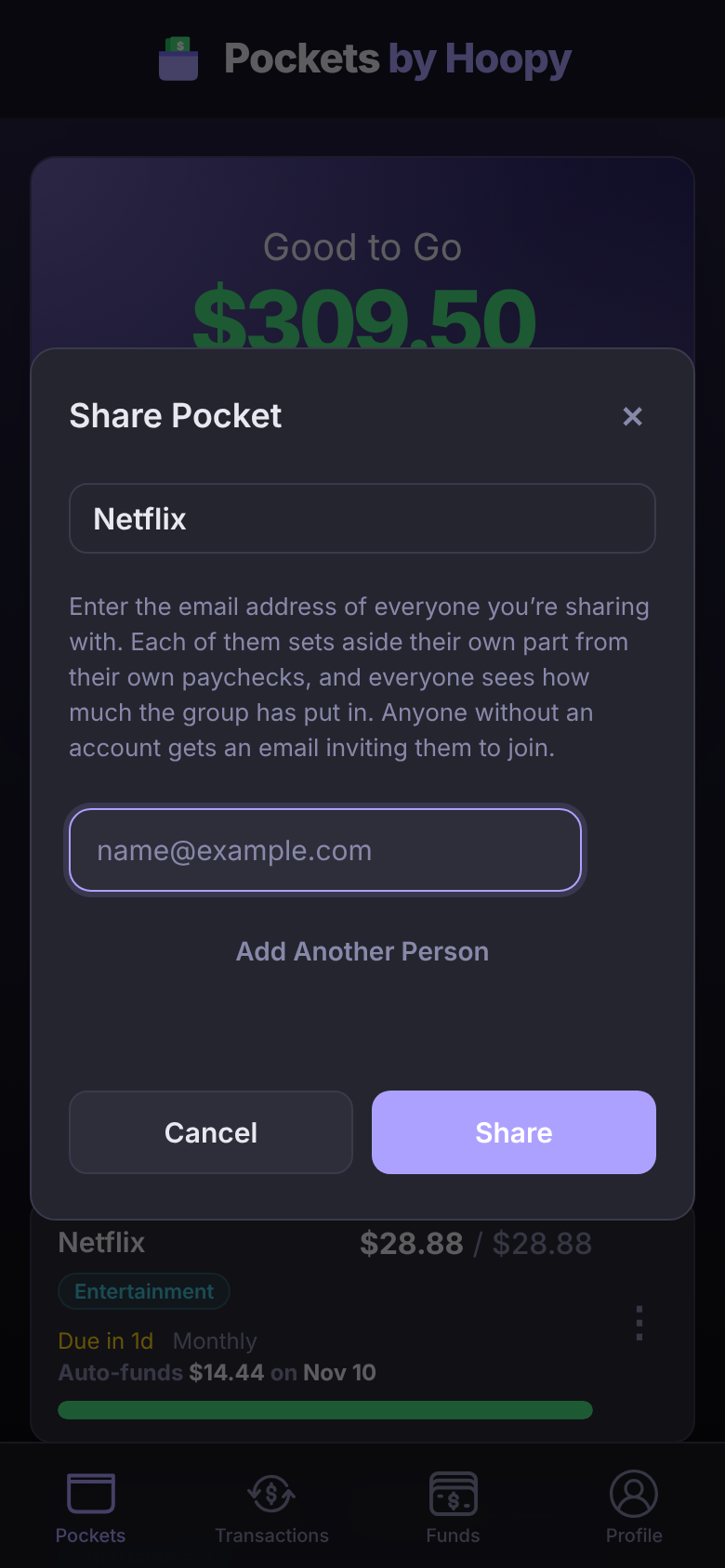
- On Pockets, tap the ⋮ on the Pocket, then Share Pocket.
- Enter the email address of each person. Add Another Person adds a row.
- Tap Share.
Someone with an account gets a notification. Anyone without one gets an email inviting them to join for free.
Spending Funds, credit card payment Pockets and archived Pockets can't be shared.
Accept a shared Pocket
When someone shares with you, a Shared With You button appears on your Pockets screen. Tap it, then Accept or Decline. Not in the beta yet? Tapping it offers Enable Beta.
Split who covers what
The person who shares a Pocket owns it: they set its name, amount and due date, and they link its payments.
- Tap the Pocket's ⋮, then Manage Sharing.
- Under Split, choose Percent or Fixed Amounts, and enter each person's part.
- Tap Save.
Each person's paycheck funds their part. The Pocket's bar shows everyone's progress, each person in their own color. When the owner pays the bill, everyone else's part shows as owed to them, in a Pocket like "Owed to Sam".
Questions
Does everyone need Premium?
No. Sharing a Pocket needs Premium. The people you share with can join and use it on Basic.
Can the people I share with see my other Pockets?
No. Only the shared Pocket and the transactions linked to it. Your other Pockets, accounts and Funding Schedules stay private.